
Media, on the left
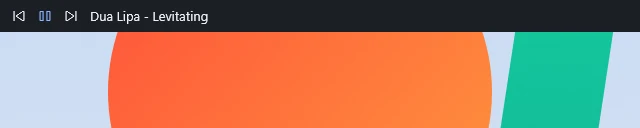
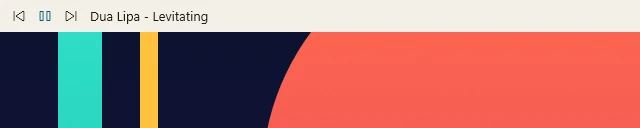
Previous, play/pause and next, with the artist and track that’s playing. Brimline reads them from Windows, so music playing in your browser shows up too.

A thin bar across the top of your Windows 11 screen.
Media controls on the left, the time and date in the middle, your microphone on the right.
Coming soon to Steam
The bar is 32 pixels tall at 100% scale and runs the full width of the screen. It has three parts.
Previous, play/pause and next, with the artist and track that’s playing. Brimline reads them from Windows, so music playing in your browser shows up too.

Shown in the format set in your Windows region settings.



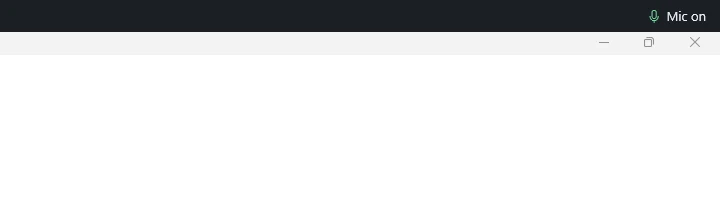
Shows Mic on, Muted or No mic. Click it to mute or unmute, or use the shortcut from any app: Ctrl+Alt+M by default. If another program already uses the shortcut, the bar warns you.
Windows sets aside the strip at the top of the screen for Brimline. Maximized windows start just below the bar instead of sliding under it.
When an app goes full screen, such as a full-screen video, the bar steps aside. It comes back when you leave full screen.
A lintel is the beam over a door or window.
Basalt, Linen, Smoke, Frost and Moss. Pick one of eight accent colors, or let the bar use your Windows accent color.
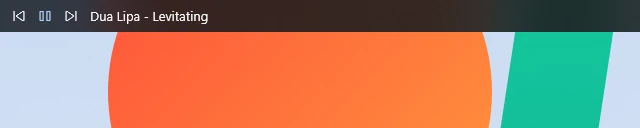
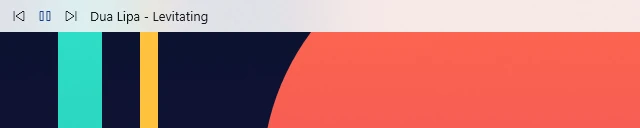
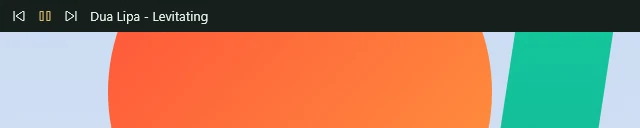
Choose a transparency level and the bar turns to frosted glass. The wallpaper behind it is really blurred, not just faded through.
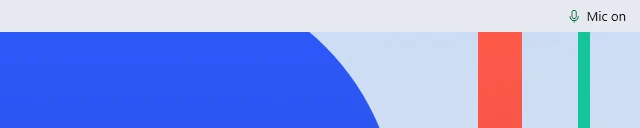
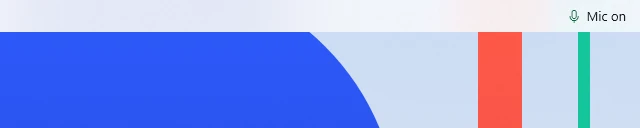
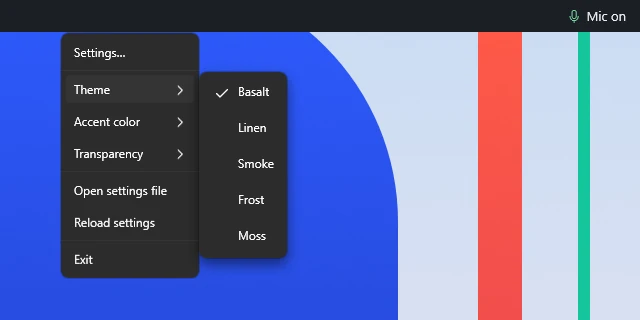
Every choice is in the menu that opens when you right-click the bar. Finer settings live in a JSON file.
Brimline doesn’t inject code into Explorer or any other program.
It doesn’t ask for an account, and it doesn’t send anything over the internet.
Windows 11 only.
The price hasn’t been announced yet.
No. Brimline doesn’t ask for an account and doesn’t send anything over the internet.
No. Brimline doesn’t inject code into Explorer or any other program. Windows sets aside the strip at the top of the screen, and the bar sits there.
Brimline is coming to Steam. The store page isn’t open yet; this page will link to it once it is.